Focus & alarmsHow toGuide 4 of 10
How to turn off your daily app pause
You can turn it off without rebuilding the setup later.
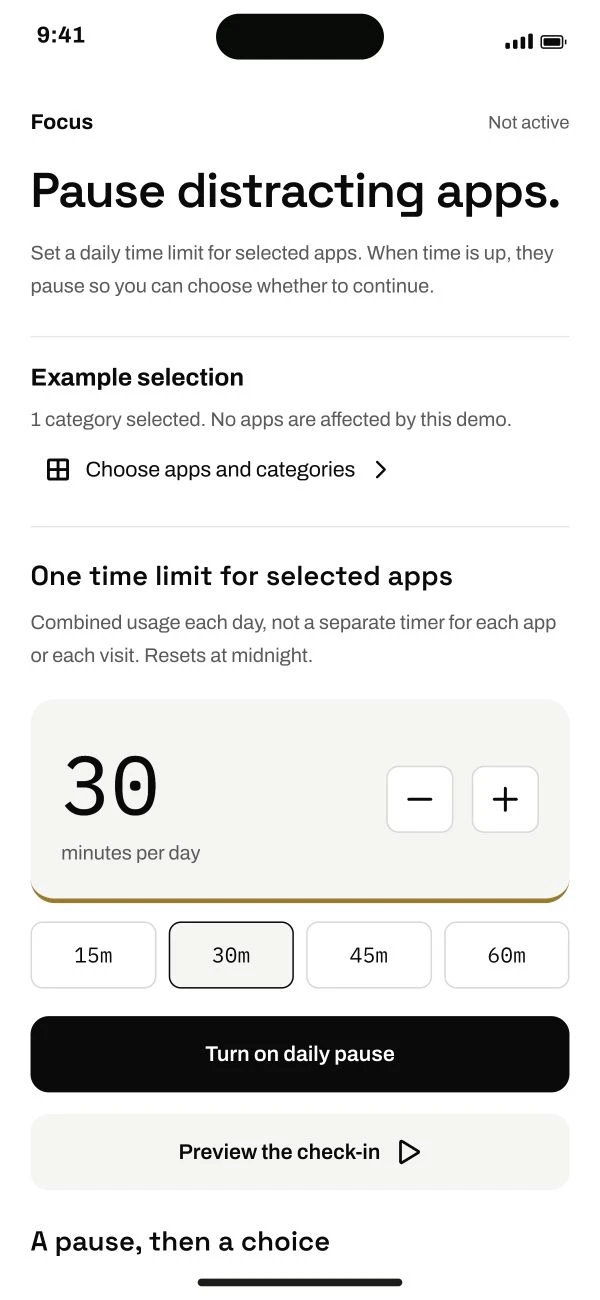
Follow the steps below.
This guide is ready to read.
The video is being prepared.
Some controls depend on your device, app version or account. Check the availability shown in your app.
Step by step
- 01
Open Focus > Turn off daily pause.
Read the confirmation.
Read the full lesson outline
Free account No card needed