Focus & alarmsHow toGuide 1 of 10
How to set a daily limit for distracting apps
Choose a small set of distractions, not your entire phone.
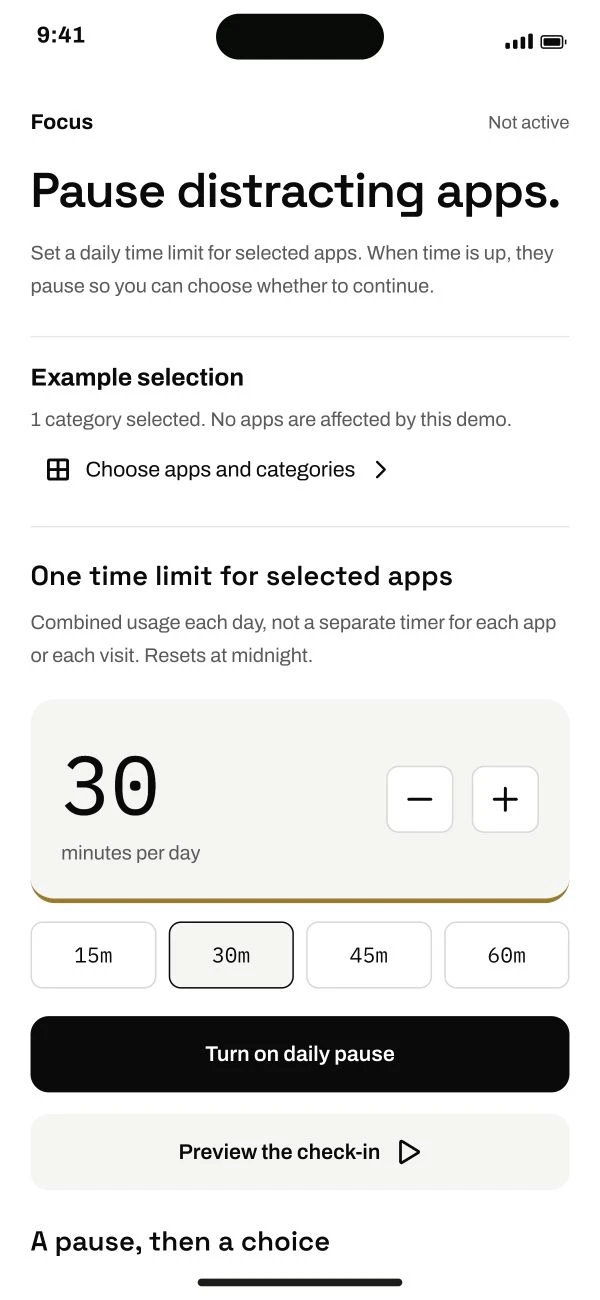
Follow the steps below.
This guide is ready to read.
The video is being prepared.
Some controls depend on your device, app version or account. Check the availability shown in your app.
Step by step
- 01
Open Focus and Connect Screen Time.
Allow the supported Screen Time connection.
Read the full lesson outline
Free account No card needed