Getting startedHow toGuide 6 of 8
How to reopen your starting plan
Forgot what you chose during setup?
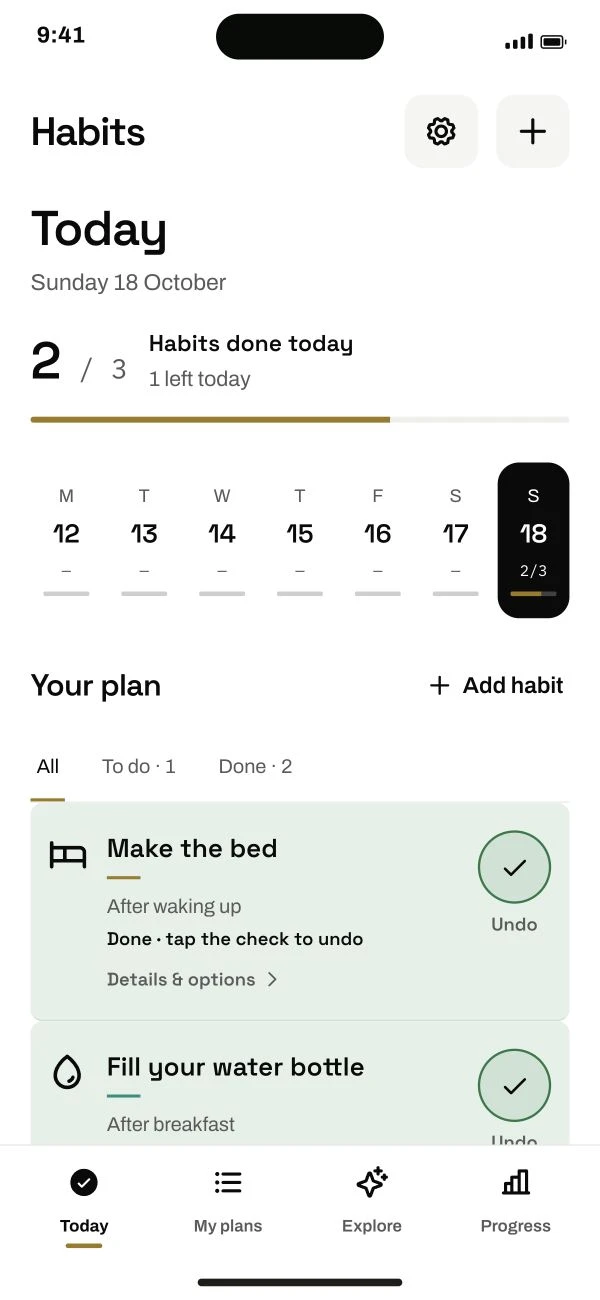
Follow the steps below.
This guide is ready to read.
The video is being prepared.
Step by step
- 01
Open Settings and scroll to Help.
Look for Your starting plan.
Read the full lesson outline
Free account No card needed