Settings & accountHow toGuide 5 of 17
How to change completion sounds and haptics
Keep the confirmation. Choose how much you hear and feel.
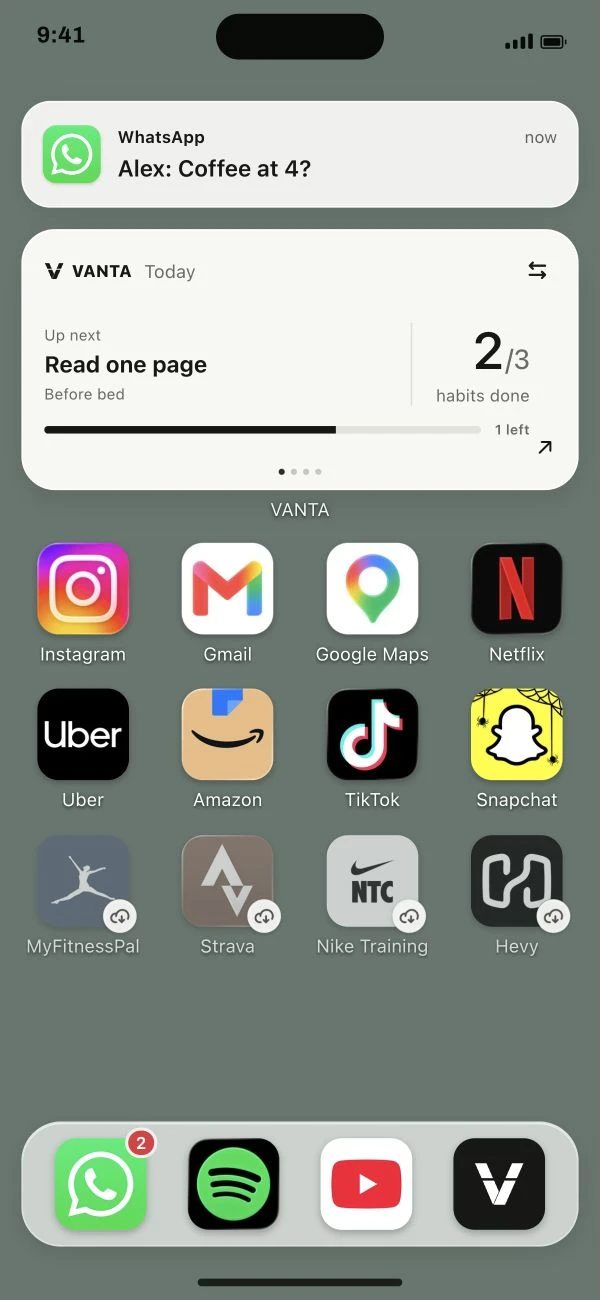
Follow the steps below.
This guide is ready to read.
The video is being prepared.
Step by step
- 01
Open Sound & touch in Settings.
Find the completion sound and haptic switches.
Read the full lesson outline
Free account No card needed