Settings & accountHow toGuide 6 of 17
How to change food, training and other reminders
A few relevant reminders are better than a phone full of ignored ones.
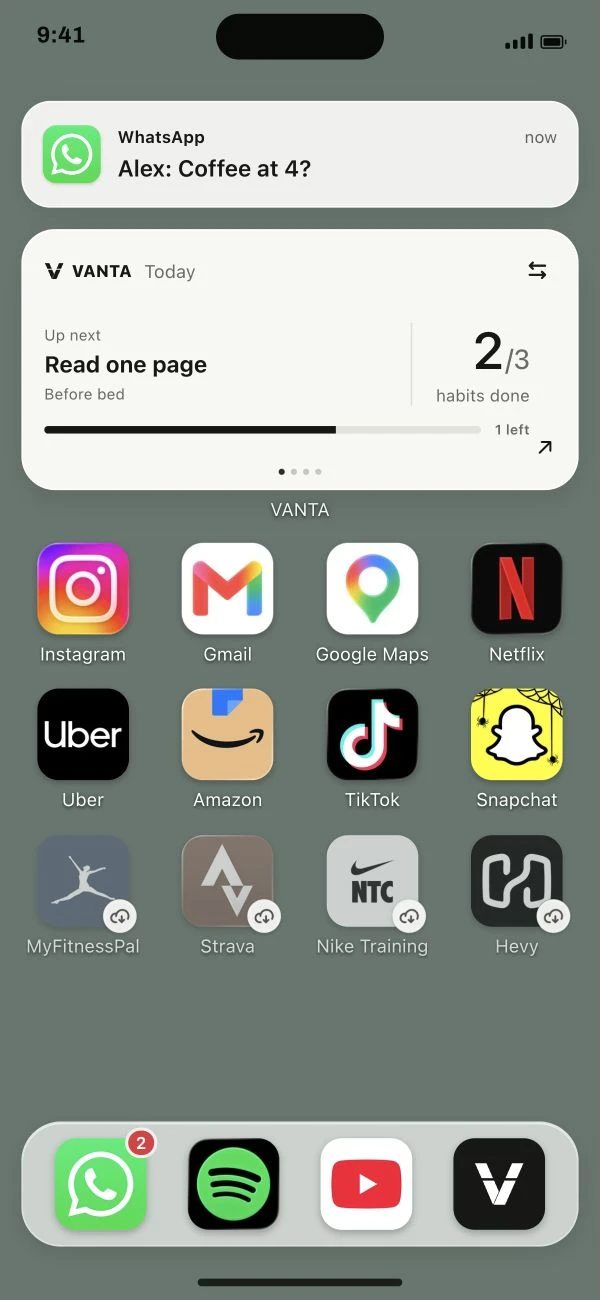
Follow the steps below.
This guide is ready to read.
The video is being prepared.
Step by step
- 01
Open Settings > Reminder schedule.
Choose the type of reminder you want to change.
Read the full lesson outline
Free account No card needed