Food & waterHow toGuide 4 of 28
How to scan a food barcode
A barcode finds a product. You still choose the portion.
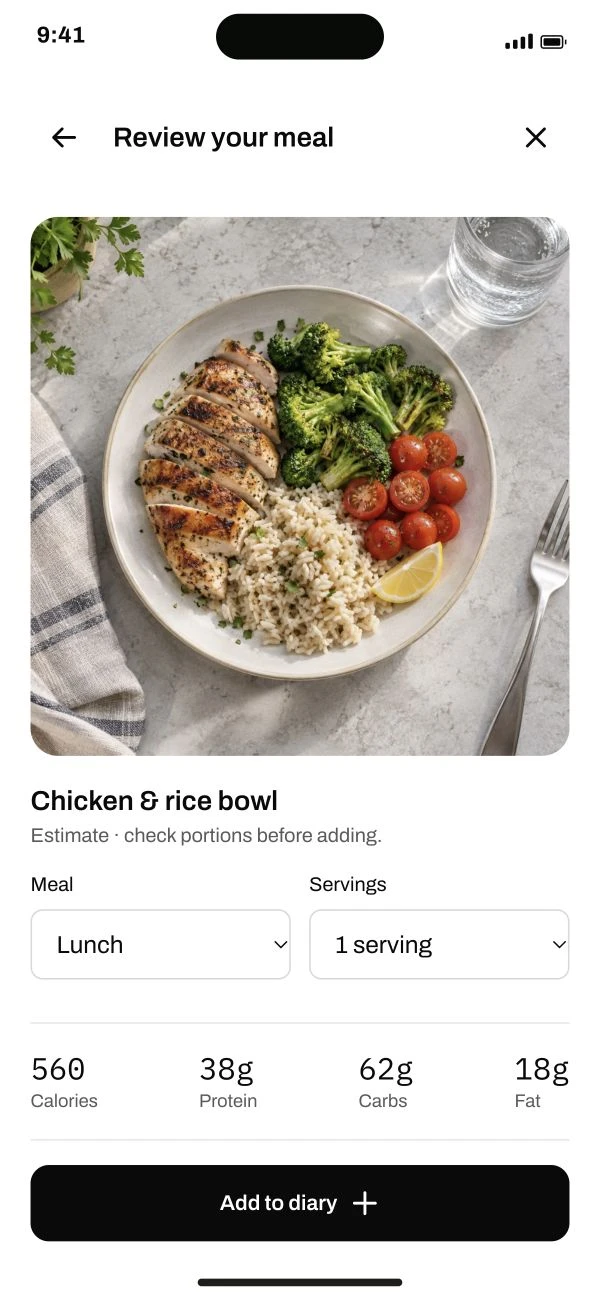
Follow the steps below.
This guide is ready to read.
The video is being prepared.
Step by step
- 01
Open the barcode scanner from Add food.
Allow camera access if asked, then hold the product barcode clearly in frame.
Read the full lesson outline
Free account No card needed